
Market Basics · Lesson 5 of 40
Order Types: Market, Limit, Stop and Stop-Limit
Market order: now, at any price
A market order says: "Fill me immediately, at whatever the best available price is." It's the fastest way in and out — you never wonder whether the order will fill. The price you get is the current ask (when buying) or bid (when selling), plus or minus slippage in fast markets. When to use it: when speed matters more than price — closing a position in a hurry, entering a breakout, reacting to news. Imagine a news event sends BTC from 30,000 to 29,000 in ten seconds: a market sell gets you out near 29,000; a limit sell at 30,000 would never fill, and waiting could cost thousands more. When not to use it: when you have time and want a better price. The cost of the market order is invisible but real: in a quiet market the spread is small, but in a panic the gap between bid and ask widens, and a market order pays the worst of it. Beginners often use market orders for everything because they're simple. Professionals use them mostly for exits and reserve limit orders for entries — because an entry doesn't need to be instant, it needs to be at a good price.
Limit order: I'll wait for my price
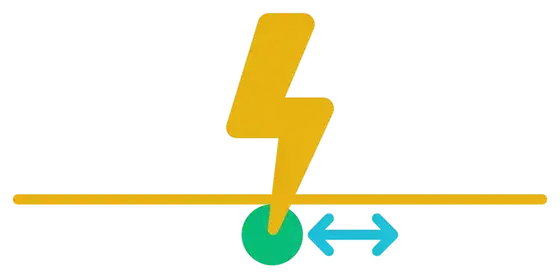
A limit order says: "Buy or sell only at this price or better." You set the price, and the order sits in the book until the market comes to you. Buy limit at 29,500 when the price is 30,000: it fills only if price drops to 29,500 or lower. The advantage: you control the price, and you often get filled at a better price than the current market. The disadvantage: the price may never reach your level, and you miss the move. Limit orders are the professional's default for entries: you analyze, you pick the level where you want in, you place the order and walk away. They're also how you set take-profit targets — automatically selling at your target price without watching the screen. One subtlety: a buy limit placed above the current price fills immediately at the best available price — the engine treats it as marketable. So "limit" doesn't always mean "wait": it means "never pay more than this". In the app, try placing a buy limit below the current price and watch it sit in the order book; then try one above the current price and see how it fills instantly.
Stop order & stop-loss: automated exit
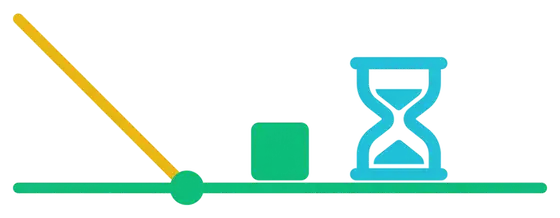
A stop order is an instruction that becomes active only when the price crosses a level. The most important use is the stop loss: a sell stop below your long entry that automatically closes the position if the price falls to that level. It converts an open risk into a fixed, known number: "If this trade goes wrong, I lose exactly 2%." Stops are also used for entries — a buy stop above a resistance level triggers only when price breaks out — and they're the only honest way to trade a breakout. The critical detail: a stop is executed as a market order once triggered, so in a fast move you might get a worse price than the stop level (slippage again). That's why professionals place stops where they mathematically cannot lose more than their budget, not at "round numbers" where everyone else's stops cluster and cause cascades — a wave of stop orders all triggering at 30,000 can push price straight through to 29,800. Rule: never open a position without a stop loss. If you don't know where the stop goes, you don't have a trade — you have a wish.
Stop-limit and GTC — combinations
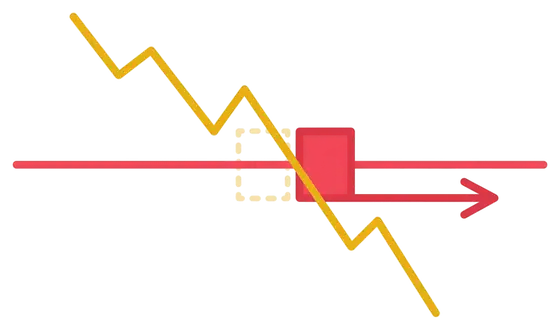
Real trading often needs combinations. A stop-limit order triggers a limit order when the price crosses a level: you get the protection of a stop with the price control of a limit — but if the market blows through your limit price in a flash, the order may never fill, and you're left exposed. Use it for entries you want to control precisely, not for protecting an open loss. GTC (good 'til canceled) means the order stays in the book until you cancel it or it fills — the default for most limit orders. Some exchanges also offer FOK (fill or kill) and IOC (immediate or cancel), used mainly by fast traders. The practical skill is not memorizing every variant — it's knowing that every order is a decision about two things: when it can fill, and at what price. Once you can answer both questions for every order you place, you've mastered the mechanics. The rest is just clicking the right button.
Which order for which job
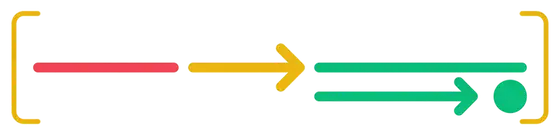
When you're staring at the ticket, a quick mental table helps. Job: enter at a better price → buy/sell limit. Job: enter only on a breakout → stop order (or stop-limit). Job: exit a losing position automatically → stop loss attached to the position. Job: take profit automatically → take-profit limit. Job: get out NOW regardless of price → market order. Job: let the market choose between target and stop → OCO. One more habit separates professionals from beginners: they never place an order they can't explain in one sentence — "I'm buying at 29,500 because that's support, my stop is 29,000, my target is 31,000." If your order doesn't have that sentence, it doesn't have a plan. Practice writing the sentence before every demo trade; within twenty trades it becomes automatic, and your account statement will show the difference.
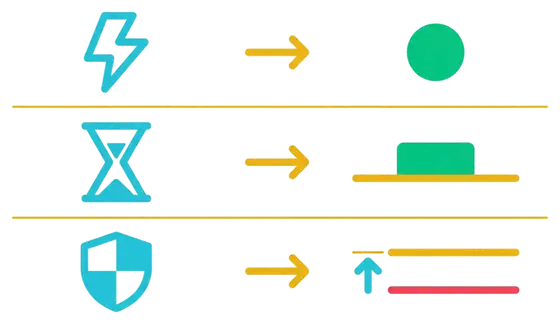
In the app: TP/SL, OCO, reduce-only
The app's order ticket bundles these ideas into the tools you'll actually use. Take-profit (TP): a limit order at your target price that closes the position automatically. Stop-loss (SL): a stop order that cuts the loss automatically. OCO (one cancels other): you attach both to the same position — when one fills, the other is cancelled; this is how a professional lets the market decide between target and stop, without watching. Reduce-only: a futures-only flag that makes an order close your position but never open a new one — essential when you hold a short and want to set a buy order that can't accidentally flip you long. The demo account has all of these: build the habit of never opening a position without TP and SL attached. If the app allowed only one habit, this would be it. Open the Trade screen now and build an order with both levels — it takes thirty seconds, and it's the same thirty seconds you'll repeat for every trade of your life.
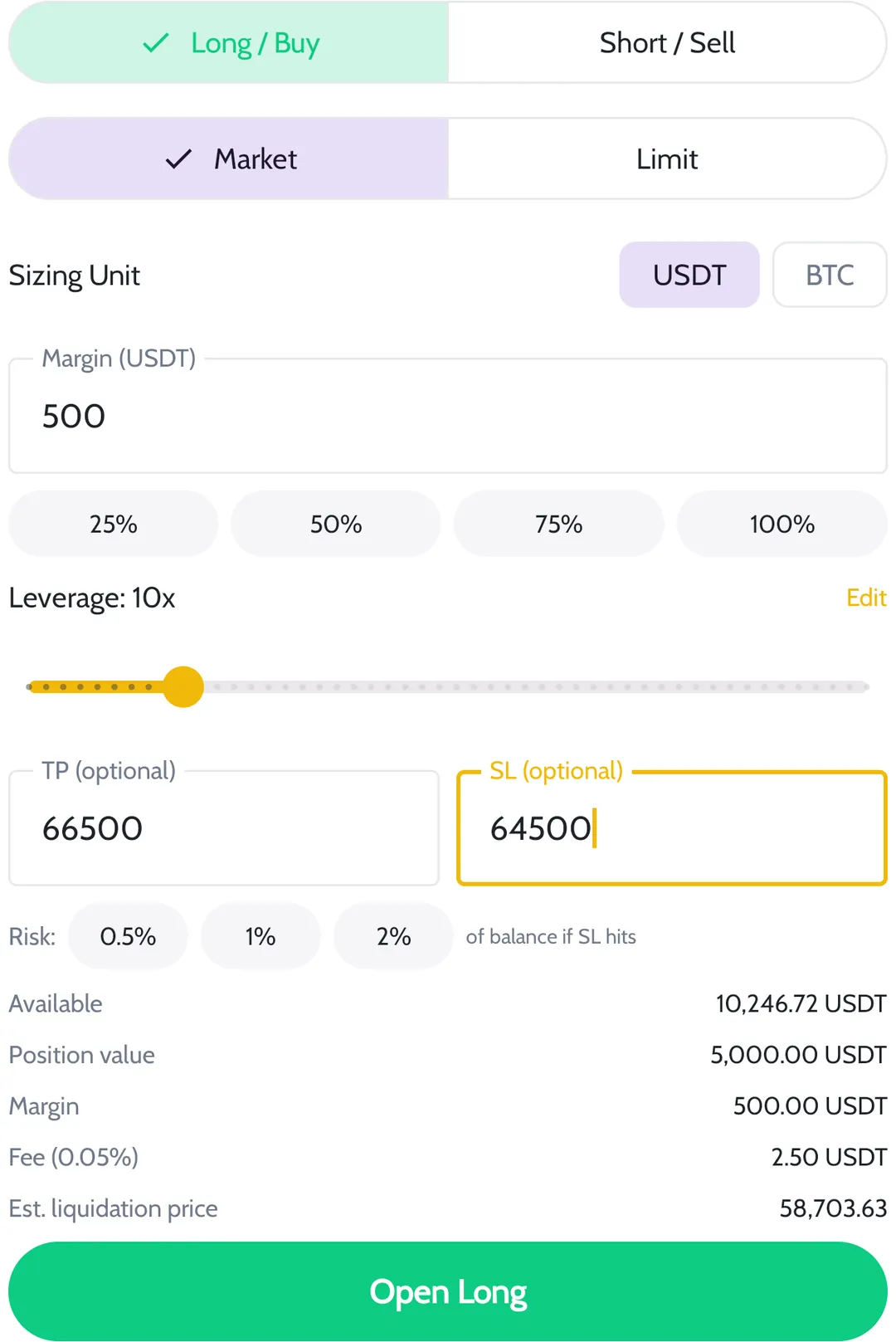
Try it in Trade DojoFree on Android · virtual money
Quiz: test yourself
8 questions from the lesson. Tap an answer to check it.
-
You want to buy ETH only if it drops to 2,900. Which order do you use?
-
What does a stop loss do?
-
A buy stop at 31,000 triggers when...?
-
Your account is 10,000 USDT and you want to risk 1% (100 USDT) on a trade. Your entry is 30,000 and your stop is 29,500. What is the maximum position size?
-
BTC trades at 30,000 and you place a buy limit at 30,500. What happens?
-
What is the risk of a stop-limit order in a very fast market?
-
What does an OCO (one cancels other) order do?
-
What does the "reduce-only" flag guarantee?
Educational content only, not financial or investment advice. Trading involves risk; all trading in Trade Dojo uses virtual money. More Market Basics lessons · All lessons